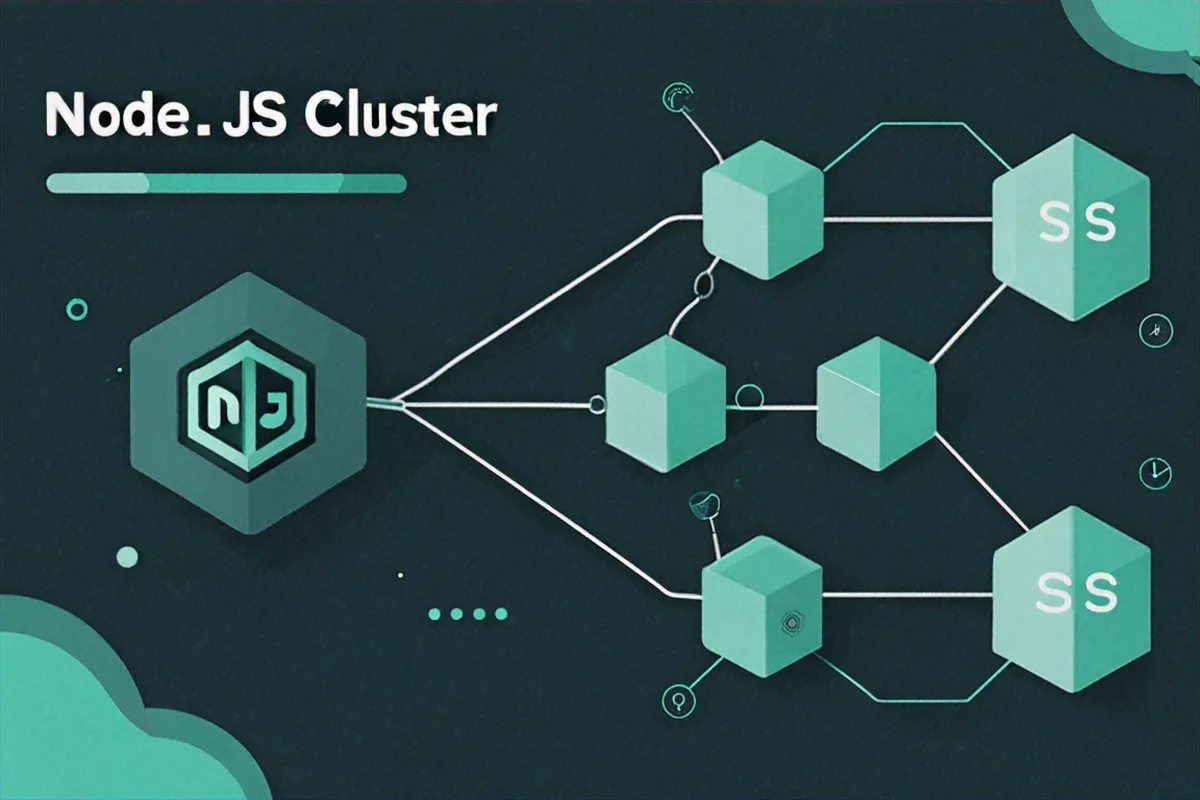
Our API went down on a Saturday. Single process, single core, no recovery. Here's what we changed.
We had a Node.js API server handling a decent amount of traffic. One process, one core, an 8-core machine sitting 87% idle. When that process hit an unhandled exception at 2 AM, the whole thing fell over. Nobody was awake to restart it. By the time someone noticed, we'd been down for three hours. That Monday, we started looking into clustering.
Why We Needed Clustering
Node.js is single-threaded. That's fine for a lot of workloads -- the event loop and non-blocking I/O can handle thousands of concurrent connections on one core. But we had eight cores and were using one. That's money on fire.
The cluster module ships with Node. No npm install, no third-party dependency. It lets you fork multiple worker processes that all share the same port. The OS kernel distributes incoming TCP connections across workers using round-robin on most platforms. Each worker gets its own event loop, its own memory, its own V8 instance. You multiply throughput by roughly the number of cores without touching your application code.
But the bigger win for us was fault tolerance. If one worker crashes, the other workers keep serving requests. The primary process detects the crash and forks a replacement. Users don't notice. That's the thing that would have saved our Saturday.
The Basic Setup
The pattern is simple. You check if you're the primary process or a worker, then act accordingly.
const cluster = require('cluster');
const http = require('http');
const os = require('os');

const numCPUs = os.cpus().length;

if (cluster.isPrimary) {
  console.log(`Primary process ${process.pid} is running`);
  console.log(`Forking ${numCPUs} workers...`);

  for (let i = 0; i < numCPUs; i++) {
    cluster.fork();
  }

  cluster.on('exit', (worker, code, signal) => {
    console.log(`Worker ${worker.process.pid} died (code: ${code}, signal: ${signal})`);
    console.log('Forking a new worker...');
    cluster.fork();
  });
} else {
  http.createServer((req, res) => {
    res.writeHead(200, { 'Content-Type': 'text/plain' });
    res.end(`Handled by worker ${process.pid}\n`);
  }).listen(3000);

  console.log(`Worker ${process.pid} started`);
}
Run that and you'll see one fork per CPU core. Each worker starts its own HTTP server on port 3000. Under the hood, the primary process holds the actual listening socket and hands connections off to workers.
The cluster.on('exit') handler is the self-healing part. Worker dies, we fork a new one. That alone would have prevented our outage.
We also needed to understand the worker lifecycle. Each worker fires events as it comes up and goes down:
if (cluster.isPrimary) {
  const worker = cluster.fork();

  // Fires when the worker is fully online and ready
  worker.on('online', () => {
    console.log(`Worker ${worker.id} is online`);
  });

  // Fires when the worker's server starts listening
  worker.on('listening', (address) => {
    console.log(`Worker ${worker.id} is listening on port ${address.port}`);
  });

  // Fires when the worker disconnects from IPC channel
  worker.on('disconnect', () => {
    console.log(`Worker ${worker.id} has disconnected`);
  });

  // Graceful shutdown of a specific worker
  setTimeout(() => {
    worker.disconnect();
  }, 10000);
}
You can loop over active workers with cluster.workers. It's an object keyed by worker ID:
// List all active workers
for (const id in cluster.workers) {
  const worker = cluster.workers[id];
  console.log(`Worker ${id}: PID ${worker.process.pid}, connected: ${worker.isConnected()}`);
}
There's worker.kill() for when you need to force-terminate, but in production you almost always want worker.disconnect(). It lets the worker finish whatever requests it's in the middle of before exiting.
Restarting Without Dropping Requests
Once we had clustering, the next question was deploys. We were doing git pull && pm2 restart which killed all workers at once. Brief downtime every deploy. Not great.
The fix is a rolling restart. You bring up a new worker, wait for it to be ready, then kill the old one. One at a time. There's always enough workers alive to handle traffic.
const cluster = require('cluster');
const os = require('os');

if (cluster.isPrimary) {
  const numCPUs = os.cpus().length;

  for (let i = 0; i < numCPUs; i++) {
    cluster.fork();
  }

  async function rollingRestart() {
    const workerIds = Object.keys(cluster.workers);
    console.log(`Starting rolling restart of ${workerIds.length} workers`);

    for (const id of workerIds) {
      const oldWorker = cluster.workers[id];
      if (!oldWorker) continue;

      // Fork a new worker first
      const newWorker = cluster.fork();

      // Wait for the new worker to start listening
      await new Promise((resolve) => {
        newWorker.on('listening', resolve);
      });

      console.log(`New worker ${newWorker.id} is ready, shutting down old worker ${id}`);

      // Gracefully disconnect the old worker
      oldWorker.disconnect();

      // Wait for the old worker to exit
      await new Promise((resolve) => {
        oldWorker.on('exit', resolve);
      });

      console.log(`Old worker ${id} has exited`);
    }

    console.log('Rolling restart complete');
  }

  // Trigger rolling restart on SIGUSR2
  process.on('SIGUSR2', () => {
    rollingRestart().catch(console.error);
  });

  cluster.on('exit', (worker, code) => {
    if (code !== 0 && !worker.exitedAfterDisconnect) {
      console.log(`Worker ${worker.id} crashed, forking replacement`);
      cluster.fork();
    }
  });
}
Send SIGUSR2 to the primary process and it cycles through workers one by one. At no point is the server unavailable.
The worker.exitedAfterDisconnect flag is important. When we intentionally disconnect a worker, that flag is true. We only auto-fork replacements for unexpected crashes where it's false. Without that check, you'd double your worker count every time you deployed.
Node.js supports two scheduling policies for distributing connections. Round-robin (cluster.SCHED_RR) is the default on Linux and macOS -- the primary accepts connections and hands them out in rotation. It's fair and it works well. The other option, SCHED_NONE, lets the OS decide, but that can lead to uneven distribution where a couple workers handle most of the load.
// Explicitly set round-robin (default on Linux/macOS)
cluster.schedulingPolicy = cluster.SCHED_RR;

// Or let the OS handle distribution
cluster.schedulingPolicy = cluster.SCHED_NONE;
You can also set it via environment variable:
NODE_CLUSTER_SCHED_POLICY=rr node server.js
NODE_CLUSTER_SCHED_POLICY=none node server.js
For stateless HTTP APIs, round-robin is fine. If you're running WebSockets or anything with long-lived connections, you'll need sticky sessions -- I'll get to that.
Sticky Sessions and Talking Between Workers
Round-robin breaks WebSockets. A client's initial HTTP upgrade might go to Worker 1, but the next packet could land on Worker 2, which has no idea about that connection. You need all requests from the same client to hit the same worker. That's sticky sessions.
const cluster = require('cluster');
const http = require('http');
const net = require('net');
const crypto = require('crypto');
const os = require('os');

const numCPUs = os.cpus().length;

if (cluster.isPrimary) {
  const workers = [];

  for (let i = 0; i < numCPUs; i++) {
    workers.push(cluster.fork());
  }

  // Create a raw TCP server to handle the initial connection
  const server = net.createServer({ pauseOnConnect: true }, (connection) => {
    // Get the client's IP address
    const ip = connection.remoteAddress || '';

    // Hash the IP to determine which worker gets this connection
    const hash = crypto.createHash('md5').update(ip).digest();
    const workerIndex = hash.readUInt16BE(0) % workers.length;

    const worker = workers[workerIndex];
    worker.send('sticky-session:connection', connection);
  });

  server.listen(3000, () => {
    console.log(`Sticky session server listening on port 3000`);
  });
} else {
  const server = http.createServer((req, res) => {
    res.end(`Worker ${process.pid}`);
  });

  // Do not listen on a port; accept connections from the primary
  process.on('message', (message, connection) => {
    if (message === 'sticky-session:connection') {
      server.emit('connection', connection);
      connection.resume();
    }
  });
}
The primary runs a raw TCP server, hashes the client IP, and always routes that IP to the same worker. pauseOnConnect: true prevents data from being consumed before the handoff.
For Express + Socket.io, there's @socket.io/sticky that wraps this up for you:
npm install @socket.io/sticky @socket.io/cluster-adapterIn practice, if you're behind Nginx, it's often simpler to handle sticky sessions at the proxy layer with IP hashing or cookies.
The other thing you'll run into with multiple workers is shared state. Workers can't share variables -- they're separate processes with separate memory. But the cluster module gives you IPC (inter-process communication) channels between the primary and each worker.
if (cluster.isPrimary) {
  const worker = cluster.fork();

  // Send a message to the worker
  worker.send({ type: 'config', data: { maxRetries: 3 } });

  // Receive messages from the worker
  worker.on('message', (msg) => {
    console.log(`Primary received from worker ${worker.id}:`, msg);

    // Broadcast to all other workers
    if (msg.type === 'broadcast') {
      for (const id in cluster.workers) {
        if (Number(id) !== worker.id) {
          cluster.workers[id].send(msg);
        }
      }
    }
  });
} else {
  // Receive messages from the primary
  process.on('message', (msg) => {
    console.log(`Worker ${process.pid} received:`, msg);
  });

  // Send a message to the primary
  process.send({ type: 'broadcast', data: 'Hello from worker!' });
}
We use this pattern for cache invalidation. When one worker updates a record, it tells the primary, and the primary tells every other worker to drop their cached copy:
// Primary: relay cache invalidation to all workers
if (cluster.isPrimary) {
  for (let i = 0; i < os.cpus().length; i++) {
    const worker = cluster.fork();

    worker.on('message', (msg) => {
      if (msg.type === 'cache:invalidate') {
        // Forward to every worker including the sender
        for (const id in cluster.workers) {
          cluster.workers[id].send(msg);
        }
      }
    });
  }
}

// Worker: maintain a local cache and listen for invalidations
if (cluster.isWorker) {
  const localCache = new Map();

  process.on('message', (msg) => {
    if (msg.type === 'cache:invalidate') {
      localCache.delete(msg.key);
      console.log(`Worker ${process.pid}: invalidated cache key "${msg.key}"`);
    }
  });

  function updateRecord(key, value) {
    // Update database, then invalidate cache across all workers
    localCache.set(key, value);
    process.send({ type: 'cache:invalidate', key });
  }
}
IPC messages are serialized as JSON, so no functions, no circular references, no Buffers. For heavy inter-process communication, Redis Pub/Sub or SharedArrayBuffer are better options.
Running It for Real with PM2
We ended up not using the raw cluster module in production. PM2 wraps all of it -- forking, rolling restarts, log management, monitoring -- into a single tool. It's what we run now.
# Install PM2 globally
npm install -g pm2

# Start your app in cluster mode with max workers
pm2 start app.js -i max

# Start with a specific number of workers
pm2 start app.js -i 4

# Zero-downtime restart
pm2 reload app.js

# View running processes
pm2 list

# Monitor CPU and memory in real-time
pm2 monit

# View logs
pm2 logs
pm2 reload does the rolling restart automatically. It waits for each new worker to signal readiness before killing the old one. All that logic we wrote by hand? PM2 just does it.
When using wait_ready: true in the config, your app needs to explicitly tell PM2 it's ready:
const http = require('http');

const server = http.createServer((req, res) => {
  res.end('OK');
});

server.listen(3000, () => {
  // Tell PM2 this worker is ready to accept connections
  process.send('ready');
});

// Handle graceful shutdown
process.on('SIGINT', () => {
  console.log('Received SIGINT, shutting down gracefully');
  server.close(() => {
    console.log('Server closed, exiting');
    process.exit(0);
  });
});
Some things we learned running this in production:
- Don't store state in memory. Each worker has its own memory. Sessions, caches, counters -- all of it needs to live in Redis or a database. We got bitten by this early on when session data was inconsistent across requests.
- Handle graceful shutdown. When a worker gets a disconnect signal, stop accepting new connections, finish in-flight requests, then exit. Set a kill timeout so stuck workers don't hang forever.
- Log with worker IDs. When you're debugging something that happened across eight workers, you need to know which worker produced which log line.
- Don't over-fork. More workers than CPU cores wastes memory (each idle worker is 30-50 MB) and gives you nothing.
os.cpus().lengthis the ceiling. We leave one core free for the OS. - Set memory limits. PM2's
max_memory_restartcatches workers with memory leaks before they OOM-kill the whole box. - Run
pm2 startupso your app auto-restarts after a server reboot. We forgot this once and found out the hard way after a kernel update.
Here's the ecosystem config we settled on:
// ecosystem.config.js
module.exports = {
  apps: [{
    name: 'my-api',
    script: './app.js',
    instances: 'max',
    exec_mode: 'cluster',
    max_memory_restart: '500M',
    env: {
      NODE_ENV: 'production',
      PORT: 3000
    },
    kill_timeout: 5000,
    wait_ready: true,
    listen_timeout: 10000
  }]
};


Comments (0)
No comments yet. Be the first to share your thoughts!