I used to hate Promises. Callbacks made sense -- do thing, get result. Promises felt like unnecessary ceremony. I was wrong, obviously.
It took me an embarrassingly long time to stop treating Promises like a weird callback wrapper and start understanding what they actually are. Once it clicked, I couldn't go back. So here's my attempt at explaining them the way I wish they'd been explained to me.
What Promises Actually Are (and the Three States That Tripped Me Up)
A Promise is an object. That's it. It's an object that represents something that hasn't happened yet. It might succeed, it might fail, but right now it's just... sitting there, waiting. The thing that confused me early on was that I kept thinking of Promises as doing something. They don't do anything. They represent the result of something that's already been kicked off.
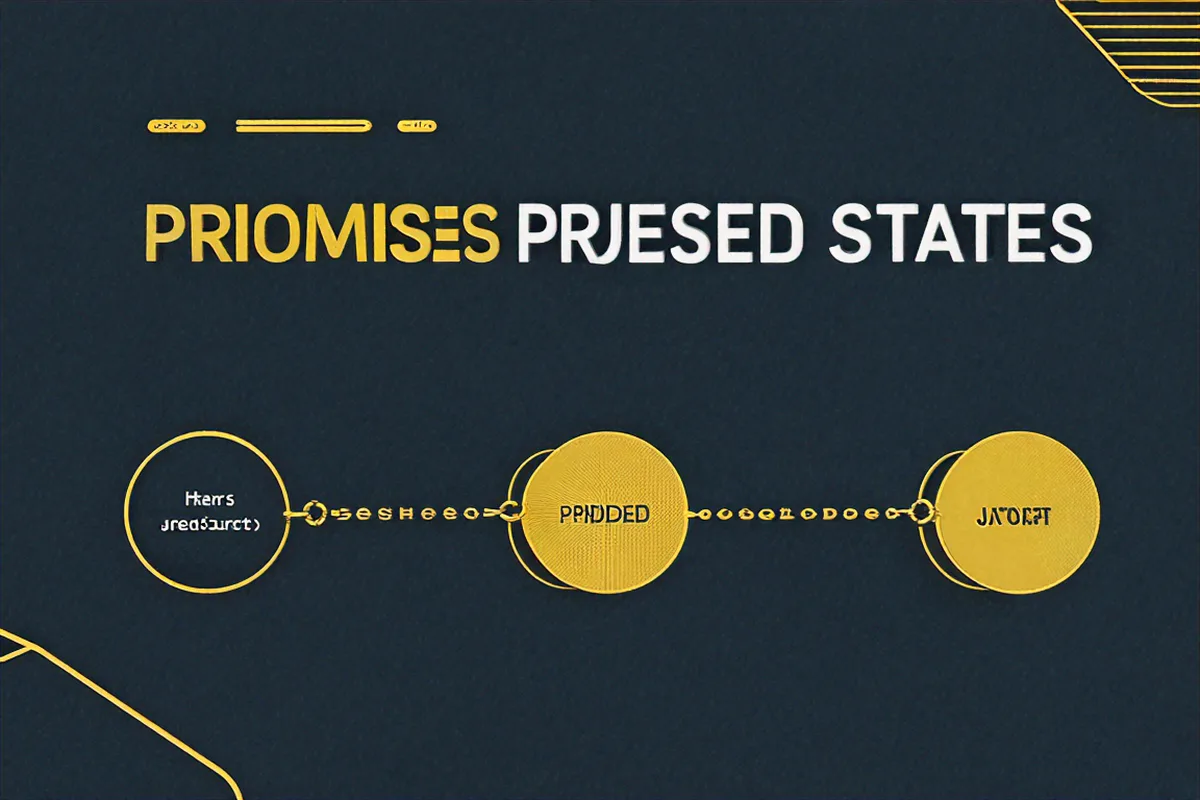
Every Promise is in one of three states:
- Pending -- it's still waiting. The async thing hasn't finished.
- Fulfilled -- it worked. There's a value.
- Rejected -- it broke. There's an error.
Once a Promise leaves the pending state, it's done. It never changes again. A fulfilled Promise stays fulfilled forever. A rejected one stays rejected. This immutability is actually what makes them so much nicer than callbacks -- you can pass a Promise around and anyone who looks at it later will see the same settled result.
// Quick look at all three states
const pending = new Promise(() => {});
console.log(pending); // Promise {  }

const fulfilled = Promise.resolve(42);
console.log(fulfilled); // Promise { 42 }

const rejected = Promise.reject(new Error('Something failed'));
console.log(rejected); // Promise {  Error: Something failed }
rejected.catch(() => {}); // Handle to avoid UnhandledPromiseRejection
I remember staring at code like this and wondering why anyone would choose this over a simple callback. The answer, it turns out, is chaining. But we'll get there.
Promises sit underneath async/await, the Fetch API, and pretty much every modern Node.js library. You can ignore them for a while, but eventually they'll find you.
The Promise Constructor (and the Thing Everyone Gets Wrong About It)
You make a new Promise with the constructor. It takes a function -- the "executor" -- that receives resolve and reject. You call resolve(value) when things go well and reject(error) when they don't.
const myPromise = new Promise((resolve, reject) => {
  const data = fetchDataFromSomewhere();

  if (data) {
    resolve(data);
  } else {
    reject(new Error('Failed to fetch data'));
  }
});
Here's what tripped me up for months: the executor runs synchronously. Right away. The moment you write new Promise(...), that function fires. The async part isn't the executor itself -- it's the .then() and .catch() callbacks that get scheduled later.
console.log('Before Promise');

const promise = new Promise((resolve, reject) => {
  console.log('Inside executor (runs synchronously)');
  resolve('done');
});

promise.then(value => {
  console.log('Then handler:', value);
});

console.log('After Promise');

// Output:
// Before Promise
// Inside executor (runs synchronously)
// After Promise
// Then handler: done
See how "Inside executor" prints before "After Promise"? The executor ran immediately. But the .then() handler waited -- it got queued as a microtask (more on that later).
The most common real-world use of the constructor is wrapping old callback-style APIs:
const fs = require('fs');

function readFileAsync(filePath) {
  return new Promise((resolve, reject) => {
    fs.readFile(filePath, 'utf8', (err, data) => {
      if (err) {
        reject(err);
      } else {
        resolve(data);
      }
    });
  });
}

readFileAsync('./config.json')
  .then(content => console.log('File content:', content))
  .catch(err => console.error('Read error:', err));
I must have written this exact pattern a hundred times before I learned about util.promisify. Live and learn.
then, catch, finally -- and How Chaining Actually Works
These three methods are how you consume Promises, and the thing that makes them special is that each one returns a new Promise. That's what makes chaining possible. I didn't understand this for the longest time -- I thought .then() was modifying the original Promise somehow.
.then(onFulfilled, onRejected) takes up to two callbacks. First one runs on success, second on failure. In practice, almost nobody passes the second argument -- we use .catch() instead.
const promise = fetchUserData(userId);

// You can pass both, but almost nobody does
promise.then(
  user => console.log('User:', user),
  error => console.error('Error:', error)
);

// This is what people actually write
promise
  .then(user => console.log('User:', user))
  .catch(error => console.error('Error:', error));
.catch(onRejected) is just .then(null, onRejected) under the hood. But the reason it's better than passing a second argument to .then() is that it catches errors from the entire chain before it, not just the immediately preceding Promise.
.finally(onFinally) runs no matter what -- fulfilled or rejected. It doesn't receive any arguments and it doesn't change the result. It's perfect for cleanup:
let isLoading = true;

fetchData('/api/posts')
  .then(posts => {
    renderPosts(posts);
  })
  .catch(err => {
    showErrorMessage(err.message);
  })
  .finally(() => {
    isLoading = false;
    hideLoadingSpinner();
    console.log('Request completed (success or failure)');
  });
Now, chaining. This is where Promises start to shine. Because .then() returns a new Promise, you can pipe values through a sequence of operations. Whatever you return from a .then() handler becomes the resolved value of the next Promise in the chain. If you return a Promise, the chain waits for it to settle.
function getUserProfile(userId) {
  return fetch(`/api/users/${userId}`)
    .then(response => {
      if (!response.ok) {
        throw new Error(`HTTP ${response.status}: ${response.statusText}`);
      }
      return response.json();
    })
    .then(user => {
      console.log('Got user:', user.name);
      return fetch(`/api/users/${userId}/posts`);
    })
    .then(response => response.json())
    .then(posts => {
      console.log(`Got ${posts.length} posts`);
      return { user: posts[0]?.author, posts };
    })
    .catch(error => {
      console.error('Failed to load profile:', error.message);
      throw error;
    });
}
Error propagation works like try-catch: if something throws (or a Promise rejects), control skips forward to the nearest .catch(). Everything in between gets bypassed.
Promise.resolve(1)
  .then(val => {
    console.log('Step 1:', val); // Step 1: 1
    throw new Error('Oops!');
  })
  .then(val => {
    console.log('Step 2:', val); // SKIPPED
  })
  .then(val => {
    console.log('Step 3:', val); // SKIPPED
  })
  .catch(err => {
    console.log('Caught:', err.message); // Caught: Oops!
    return 'recovered';
  })
  .then(val => {
    console.log('Step 4:', val); // Step 4: recovered
  });
That last bit is important -- after .catch() returns a value, the chain continues as if nothing went wrong. The error is "recovered." If you want it to keep propagating, re-throw it.
The Four Combinators (and When to Reach for Each One)
There are four static methods for working with multiple Promises at once. I used to only know Promise.all and had to look up the others every time. Let me save you from that.
Promise.all(iterable) -- waits for every Promise to fulfill. If even one rejects, the whole thing rejects immediately. Use it when you need all the results and can't do anything with partial data.
async function loadDashboard(userId) {
  try {
    const [user, posts, notifications] = await Promise.all([
      fetch(`/api/users/${userId}`).then(r => r.json()),
      fetch(`/api/users/${userId}/posts`).then(r => r.json()),
      fetch(`/api/users/${userId}/notifications`).then(r => r.json())
    ]);

    return { user, posts, notifications };
  } catch (err) {
    console.error('Dashboard load failed:', err);
    throw err;
  }
}
Promise.race(iterable) -- settles as soon as the first Promise settles (fulfilled or rejected). The classic use is timeouts:
function fetchWithTimeout(url, timeoutMs = 5000) {
  const fetchPromise = fetch(url);

  const timeoutPromise = new Promise((_, reject) => {
    setTimeout(() => {
      reject(new Error(`Request timed out after ${timeoutMs}ms`));
    }, timeoutMs);
  });

  return Promise.race([fetchPromise, timeoutPromise]);
}

fetchWithTimeout('/api/slow-endpoint', 3000)
  .then(response => response.json())
  .then(data => console.log(data))
  .catch(err => console.error(err.message));
Promise.allSettled(iterable) -- waits for everything to finish, successes and failures alike. It never short-circuits. Each result has a status of either 'fulfilled' or 'rejected'. I reach for this when I want to fire off a bunch of requests and deal with whatever comes back:
const results = await Promise.allSettled([
  fetch('/api/service-a').then(r => r.json()),
  fetch('/api/service-b').then(r => r.json()),
  fetch('/api/service-c').then(r => r.json())
]);

results.forEach((result, index) => {
  if (result.status === 'fulfilled') {
    console.log(`Service ${index}: Success`, result.value);
  } else {
    console.log(`Service ${index}: Failed`, result.reason.message);
  }
});

const successes = results.filter(r => r.status === 'fulfilled').map(r => r.value);
const failures = results.filter(r => r.status === 'rejected').map(r => r.reason);
Promise.any(iterable) -- resolves with the first Promise that fulfills. It ignores rejections unless every single Promise rejects, in which case you get an AggregateError. Good for trying multiple sources and going with whoever answers first:
async function loadFromFastestCDN(resource) {
  try {
    const data = await Promise.any([
      fetch(`https://cdn1.example.com/${resource}`).then(r => r.text()),
      fetch(`https://cdn2.example.com/${resource}`).then(r => r.text()),
      fetch(`https://cdn3.example.com/${resource}`).then(r => r.text())
    ]);
    return data;
  } catch (err) {
    console.error('All CDNs failed:', err.errors);
    throw err;
  }
}
Honestly, I use Promise.all about 90% of the time, Promise.allSettled about 9%, and the other two almost never. But knowing they exist saves you from reinventing them badly.
The Microtask Queue (Why setTimeout Loses to .then())
This is the part that makes people's eyes glaze over, but it actually matters when you're debugging weird timing issues. JavaScript has two queues: the macrotask queue (setTimeout, setInterval, I/O) and the microtask queue (Promise callbacks, queueMicrotask).
The rule: after each piece of synchronous code finishes, the engine drains the entire microtask queue before touching the next macrotask. This means Promise callbacks always run before setTimeout callbacks, even a setTimeout with delay 0.
console.log('1: Synchronous');

setTimeout(() => {
  console.log('2: setTimeout (macrotask)');
}, 0);

Promise.resolve().then(() => {
  console.log('3: Promise.then (microtask)');
});

queueMicrotask(() => {
  console.log('4: queueMicrotask (microtask)');
});

console.log('5: Synchronous');

// Output:
// 1: Synchronous
// 5: Synchronous
// 3: Promise.then (microtask)
// 4: queueMicrotask (microtask)
// 2: setTimeout (macrotask)
I once spent two hours debugging a test that depended on a setTimeout firing before a Promise resolved. It never will. The microtask queue always wins.
Nested Promises compound this -- if a Promise resolution triggers another Promise, that second microtask also runs before any pending macrotask:
setTimeout(() => console.log('timeout'), 0);

Promise.resolve()
  .then(() => {
    console.log('promise 1');
    return Promise.resolve();
  })
  .then(() => {
    console.log('promise 2');
  });

// Output:
// promise 1
// promise 2
// timeout
In theory, a long chain of Promise resolutions could starve the macrotask queue and delay timers or I/O. In practice, I've never seen it happen in real code. But it's good to know why it could.
Now, there's one more thing I want to leave you with. I wrote a small anti-pattern guide in my head and then realized the most useful thing I ever did with Promises was much simpler than any of that. It's a promisified setTimeout:
function delay(ms) {
  return new Promise(resolve => setTimeout(resolve, ms));
}

// Usage
await delay(1000); // just wait a second
console.log('one second later');
I use this everywhere now.
Mistakes I Made So You Don't Have To
Before wrapping up, here are the Promise anti-patterns I've either written myself or seen in code reviews enough times to recognize on sight.
The forgotten return. Inside a .then() handler, if you start a new async operation but forget to return it, the chain doesn't wait. The next .then() fires immediately with undefined, and your async work finishes whenever it feels like, completely detached from the chain. I've seen this cause race conditions that only showed up under load:
// Broken -- the fetch floats off into the void
fetchUser(id)
  .then(user => {
    fetch(`/api/logs/${user.id}`); // no return!
  })
  .then(logs => {
    console.log(logs); // undefined, every time
  });

// Fixed
fetchUser(id)
  .then(user => {
    return fetch(`/api/logs/${user.id}`);
  })
  .then(response => response.json())
  .then(logs => {
    console.log(logs); // actual data
  });
Wrapping things that are already Promises. I see this constantly — someone wraps a fetch call in new Promise for no reason. Fetch already returns a Promise. You're just adding a layer of indirection and making error handling harder:
// Unnecessary wrapper -- don't do this
function getData() {
  return new Promise((resolve, reject) => {
    fetch('/api/data')
      .then(res => res.json())
      .then(data => resolve(data))
      .catch(err => reject(err));
  });
}

// Just return the Promise chain directly
function getData() {
  return fetch('/api/data').then(res => res.json());
}
Swallowing errors silently. An empty .catch() is worse than no .catch() at all. At least without one, you get an UnhandledPromiseRejection warning in the console. With an empty catch, the error vanishes and you have no idea why things aren't working:
// This hides every error. Don't.
someAsyncOperation().catch(() => {});

// At minimum, log it
someAsyncOperation().catch(err => {
  console.error('Operation failed:', err);
});
I lost an entire afternoon once because a coworker had added .catch(() => {}) to "clean up a console warning." The actual bug was a malformed URL, but we couldn't see it because the error was being eaten alive.
Promises aren't hard once you internalize a few rules: they're immutable once settled, .then() always returns a new Promise, errors propagate forward until caught, and the microtask queue runs before anything else. Everything else is just details built on top of those four ideas.



Comments (0)
No comments yet. Be the first to share your thoughts!